
NCEI/DCDB data extraction
- Go to the IHO Data Centre for Digital Bathymetry Viewer.
- Click the IHO DCDB/NOAA NCEI drop down menu, uncheck the ‘Multibeam Surveys’ layer and select the ‘Crowdsourced Bathymetry Files' layer.
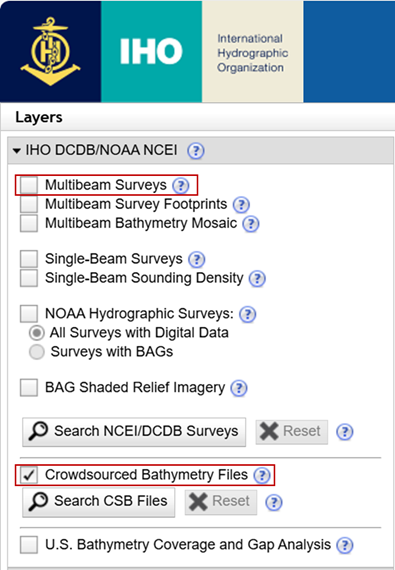
- As an alternative to steps 1 and 2, you can use this link (bookmark it) to navigate directly to the CSB data, instead of having to deselect the multibeam data.
- z